Installation and Initial Setup

Installation
Search for the INSOFT Operator app in the App Store or Google Play.
Initial Setup
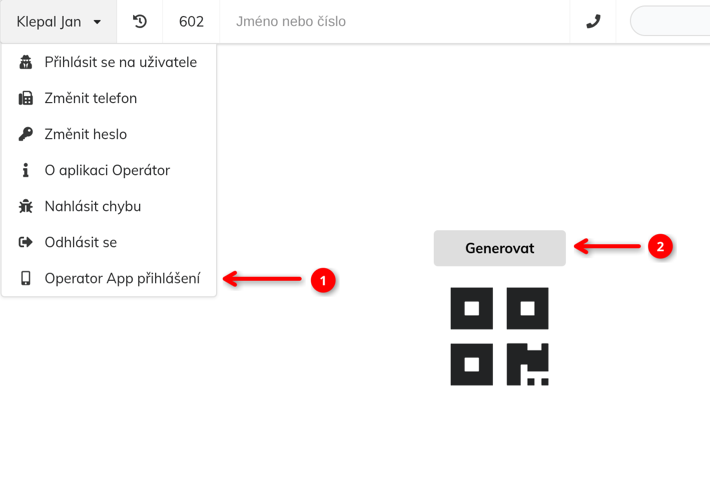
To use the app, it must be linked to the UCS server. This is done using a
QR code in the operator application. Click on your name and select option (1) Operator App Login,
then on the displayed page press the (2) Generate button:
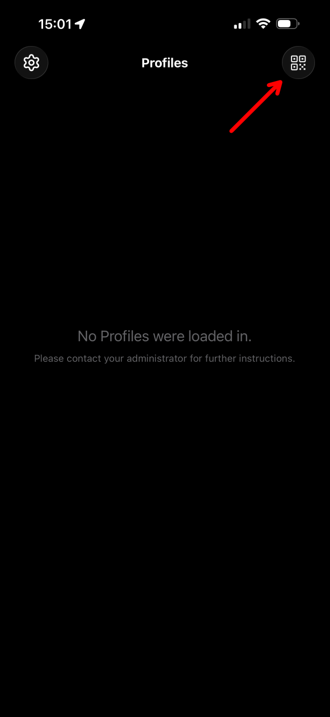
Click the icon in the upper right corner. The camera on your mobile phone will be activated. Point the camera at the QR code to scan it. After the QR code has been successfully scanned, you will be prompted to add a new profile to the app.
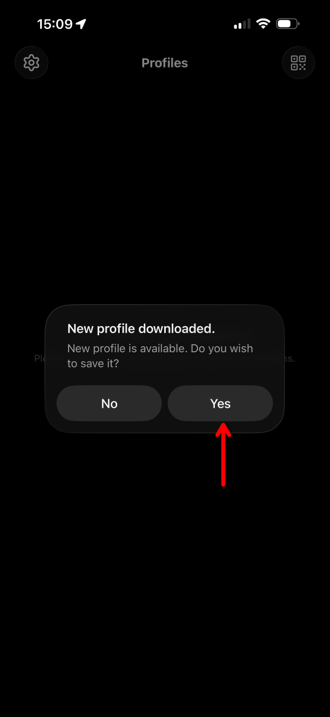
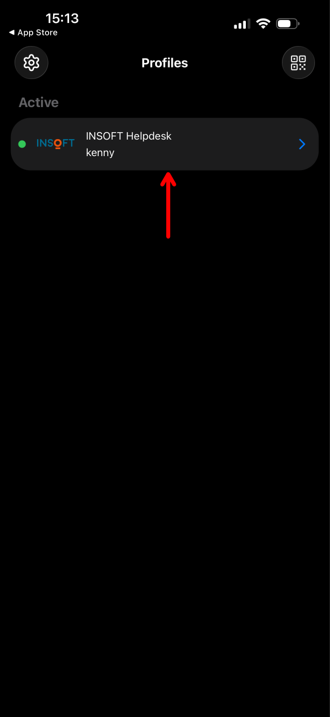
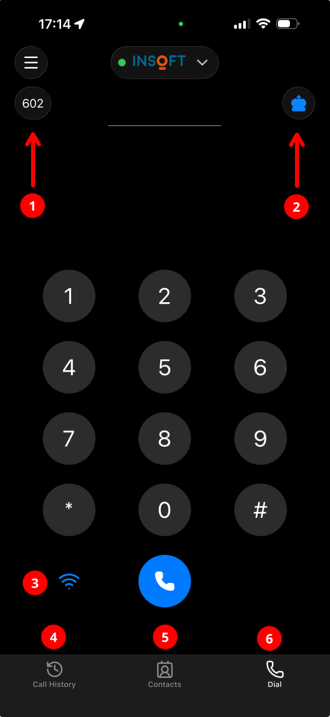
Click on the profile to activate it. Main elements of the app:
- Paired line and line switching.
- Indication and switching of the main application through which audio is played.
- Softphone mode indication.
- Call history.
- Contact directories.
- Phone (dialpad).